Edit Suite Clip Moves · Element
Swipe In = Down Scale Shake
Swipe In = Down Scale Shake adds a Swipe element to your edit, part of the Edit Suite Clip Moves collection (swipe) in MadameFX Studio. Applied to your video, it plays over 0.8 seconds. Use it for accents, overlays and explainers on YouTube, Instagram Reels, TikTok and Shorts. Adjust timing, colours and easing in MadameFX Studio; it renders up to 4K.
More Edit Suite Clip Moves presets
 Swipe Out Down Scale Shake
 Swipe In Up Scale Shake
 Swipe Out Up Scale Shake
 Swipe In Left Scale Shake
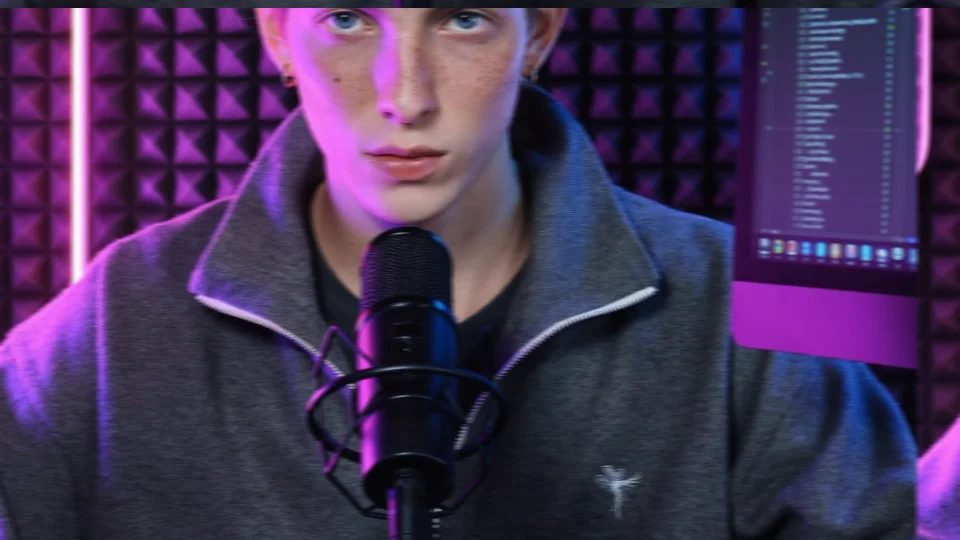 Swipe Out Left Scale Shake
 Swipe In Right Scale Shake
 Swipe Out Right Scale Shake
 Swipe In Up
MadameFX Store · Library · Templates · Pricing · Terms & Conditions · Privacy Policy · Refund Policy · Contact
© 2026 Madame AI · Madame AI is operated by Kristjan Saar, Estonia